How to Fix a Water Damaged Phone Speaker
Step-by-step guide to eject water from your phone speaker with sound waves and restore clear audio in under 60 seconds.
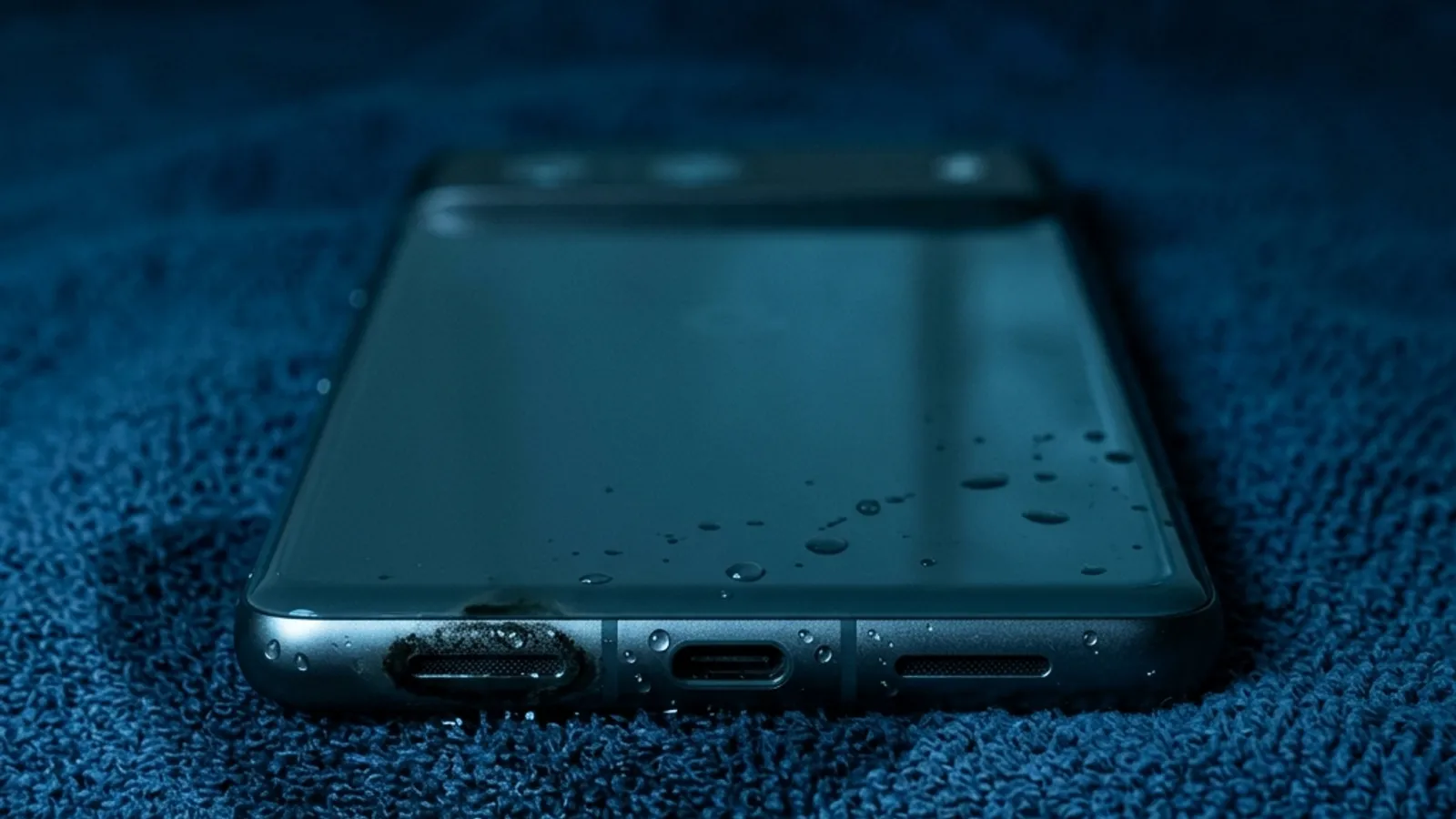
Water in a speaker grille is held by surface tension. A low-frequency tone moves the diaphragm far enough to break that bond and push droplets out. Set volume to maximum, point the speaker at the floor, and run the tone for 60 seconds.
What Happens When Water Gets in Your Speaker?
Water damage to phone speakers is one of the most common issues smartphone users face. Whether it’s from rain, accidental submersion, or even just humidity, moisture can get trapped in the tiny openings of your speaker grille and cause muffled or distorted audio.
When water enters your speaker, it blocks the sound waves from traveling clearly through the speaker mesh. The result is reduced volume, crackling sounds, or completely muffled audio that makes calls and media playback frustrating.
Can Sound Waves Really Eject Water?
Yes! This is actually based on well-established physics. Sound waves create vibrations that physically move the air — and anything else — in their path. By playing precisely calibrated frequencies through your speaker, you can create enough force to push water droplets out of the speaker grille.
This is the same principle used by Apple Watch’s built-in water ejection. When you activate Water Lock on an Apple Watch, it plays a specific tone to push water out of the speaker. Our tool applies this same technology to any device with a speaker.
Step-by-Step: Eject Water from Your Speaker
1. Remove Your Phone Case
Phone cases can trap moisture and block sound waves from exiting the speaker properly. The seven causes of a muffled speaker covers the ones that are not water. Remove it before starting the cleaning process.
2. Wipe Off Excess Moisture
Use a soft, lint-free cloth to gently wipe away any visible water on the surface. Don’t push moisture further into the speaker — just dab gently.
3. Open Fix My Speaker
Open the water eject tool in your mobile browser, or the full speaker cleaner if you also need the dust modes. No app download required — the tool runs entirely in your browser.
4. Select Water Ejection Mode
Choose the Water Eject mode from the tool. This mode is specifically calibrated with low-frequency sound waves (165Hz-400Hz) that are most effective at breaking water surface tension and pushing droplets out.
5. Turn Volume to Maximum
Higher volume means stronger sound waves, which means more effective water ejection. Turn your device volume to 80-100% for best results.
6. Place Device Speaker-Down
Position your phone on a flat surface with the speaker grille facing downward. Gravity assists the water ejection process significantly.
7. Run for 30-60 Seconds
Press Start and let the tool run for at least 30 seconds. For heavier water exposure, run the full 60-second cycle. You may see tiny water droplets emerge from the speaker.
8. Test Your Speaker
After the cleaning cycle completes, play some music or make a test call to verify improvement. If sound is still muffled, repeat the process up to 3 times.
Tips for Best Results
- Don’t charge while cleaning — mixing electricity and moisture is dangerous
- Use vibration mode for stubborn water that sound waves alone can’t dislodge
- Repeat if needed — sometimes 2-3 cycles are necessary for heavy water exposure
- Let your phone dry naturally for a few hours after cleaning for complete moisture removal
When to Seek Professional Help
If your speaker is still muffled after 3 cleaning sessions and overnight drying, the water may have caused internal damage that requires professional repair. Visit your device manufacturer’s authorized service center.
Prevention Tips
- Use a waterproof phone case for outdoor activities
- Avoid bringing your phone near pools, bathtubs, or the beach
- Keep your phone in a dry pocket or bag during rain
- Consider a phone with an IP68 waterproof rating for extra protection
Frequently asked
How do I fix a water damaged phone speaker?
Run a 165 Hz tone at maximum volume with the speaker facing the floor for 60 seconds, repeating up to three times. Then leave the phone upright in moving room-temperature air for 24 hours and do not charge until the port is dry.
How long does it take to get water out of a speaker?
Most light exposure clears in a single 60-second cycle. If audio is still muffled, two more cycles with a ten-second gap is the useful limit. Beyond that the remaining problem is probably not water in the grille. Leave ten seconds between cycles so the driver is not running continuously. Most of the water that is going to come out does so in the first two.
Will my speaker recover on its own if I wait?
Sometimes, but waiting is the worst option available. Water bridging contacts corrodes them, and whatever was dissolved in it stays behind as a crust once it evaporates. That crust is often what still sounds muffled days later. Waiting also removes your best window. The first ten minutes, while the water is still liquid and mobile, is when acoustic ejection works best.
Is it safe to play a loud tone through a wet speaker?
Yes. The frequencies used sit inside the range your speaker already reproduces during normal music playback, and the tool cannot exceed your device's own maximum output. Nothing makes physical contact with the phone. Water in the grille slightly damps the diaphragm, so the driver is under marginally less stress during a cycle than during normal music playback at the same volume.