Water Eject Remove Water From Your Speaker in 60 Seconds
Water Eject
165 Hz · Calibrated
Point the speaker downward and turn volume to 80–100%. Gravity does half the work.
Water eject works by playing a 165 Hz tone through your speaker. The low frequency drives the diaphragm through its widest movement, generating enough pressure to break the surface tension holding water droplets in the grille and push them out. Set volume to maximum and point the speaker downward.
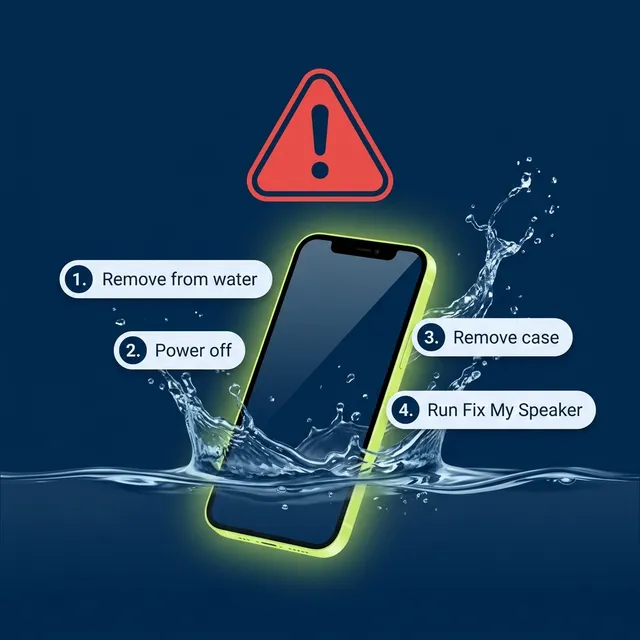
Do this right now
Six steps, in order. The first two matter most.
-
1. Act within the first 10 minutes
Water sitting against the diaphragm starts corroding the voice coil contacts. The sooner you run a cycle, the better the outcome.
-
2. Power off and remove the case
Cases trap moisture against the grille and block the sound waves that need to escape.
-
3. Dab, do not wipe
Blot the grille with a soft lint-free cloth. Wiping across the mesh pushes water further into the chamber.
-
4. Set volume to 80–100%
Acoustic pressure scales with amplitude. A cycle at half volume does roughly half the work.
-
5. Run the tone speaker-down for 60 seconds
Hold the device with the speaker facing the floor so gravity works with the acoustic pressure, not against it.
-
6. Repeat up to three times
Leave 10 seconds between cycles. Most water clears in the first one or two.
Why 165 Hz and not another frequency
Water is held in a speaker grille by surface tension, which is the same mechanism behind every mode on the free speaker cleaner. Breaking that bond takes physical movement, and how far a diaphragm travels depends almost entirely on frequency: excursion is largest at the bottom of the range and falls away sharply as pitch rises. A low tone at moderate volume displaces far more water than a loud tone an octave or two higher.
165 Hz is the standard choice across speaker-cleaning tools, low enough for strong excursion on a small driver and high enough that the driver reproduces it cleanly rather than distorting. That balance is why the same figure appears in the water-eject shortcuts people install on their phones.
Speakers are not identical, though, and yours may put out more at 200 Hz or 140 Hz. The Resonance Finder measures where your handset is strongest so you can run the cycle on that frequency instead. If the muffling built up slowly rather than arriving with water, the dust sweep is the mode you want.
Built-in ejection vs a browser tone
Only one device category ships water ejection from the factory.
| Device | Built-in ejection | How it is triggered | Use this tool? |
|---|---|---|---|
| Apple Watch | Yes — Water Lock | Side button to open Control Centre, tap Water Lock, then press and hold the Digital Crown | No. Use the built-in feature. |
| iPhone | No | Water Eject shortcut must be installed manually | Yes |
| Android phones | No | A few OEM apps offer one; most do not | Yes |
| Bluetooth speakers | No | None | Yes, over the Bluetooth link |
| AirPods and sealed earbuds | No | None | No — the driver chamber is sealed. Air-dry instead. |
Apple Watch is the only mainstream device that ejects water on its own, and sealed earbuds are the one case where no acoustic method works at all.
Water Lock steps from Apple Support, checked July 2026. Note that press-and-hold replaced rotate-the-crown in watchOS 9; most guides still say rotate.
What not to do
Do not put it in rice
Rice absorbs ambient humidity far too slowly to help water already sitting inside a sealed cavity, and it sheds starch dust into ports and grilles. The 24–48 hours you spend waiting is time the water spends corroding contacts.
Do not use a hair dryer or radiator
Heat warps the acoustic mesh adhesive and can drive moisture deeper into the device as air expands. Room-temperature airflow is safer and nearly as fast.
Do not use compressed air
A canister blast forces water past the grille and into the driver chamber, turning a surface problem into an internal one.
Do not charge until the port is dry
Applying current across wet contacts is the single most common cause of permanent damage after water exposure. If your phone shows a liquid-detection warning, wait for it to clear on its own.
Water eject questions
What frequency ejects water from a phone speaker?
165 Hz is the standard frequency for acoustic water removal. Low frequencies drive the largest diaphragm movement, and that movement is what breaks the surface tension holding water in the grille. Some handsets output more strongly slightly above or below 165 Hz, which the Resonance Finder will identify.
How long should I play the water eject sound?
One 60-second cycle clears most light exposure. If audio is still muffled, run up to two more cycles with a 10-second gap between them. Past three cycles you are unlikely to gain anything, and the remaining problem is probably not a blockage.
Does water eject work after the phone has dried?
Partly. Once the water evaporates, whatever was dissolved in it stays behind as a deposit, and a tone will not shift a crust. Rinse briefly with clean fresh water first, then run the cycle while the grille is still wet.
Is the water eject tone safe for my speaker?
Yes. The tool stays between 165 Hz and 400 Hz in water mode, inside the range your speaker already reproduces during ordinary music playback, and it cannot exceed your device's own maximum output. Nothing touches the device. Water in the grille actually damps the diaphragm slightly, so the driver is under less stress during a cycle than it is playing bass at the same volume.
Do I need the iPhone Water Eject shortcut instead?
No. The Shortcuts version applies the same principle but has to be installed first, which is awkward when the phone is already wet. This runs in the browser immediately. If the shortcut is already set up, either works. The shortcut is worth installing in advance if you swim or work around water, since it runs without opening a browser. For a phone that is already wet, whichever one you can reach fastest is the right choice.
How do I get water out of my phone speaker without opening it?
You never need to open it. Set volume to maximum, point the speaker at the floor, and run the 165 Hz cycle for 60 seconds so gravity assists the acoustic pressure. Then leave the phone upright in moving room-temperature air for 24 hours.