Apple Watch Water Eject Use the Built-In Feature First
Apple Watch Water Lock
Built-in · Use this first
Your watch already has water ejection built in. Use it instead of any web tool — nothing a browser plays through your phone can clear the watch's own speaker.
Was your phone wet too?
Phones have no built-in ejection. Play the 165 Hz tone through this device with the speaker pointing down.
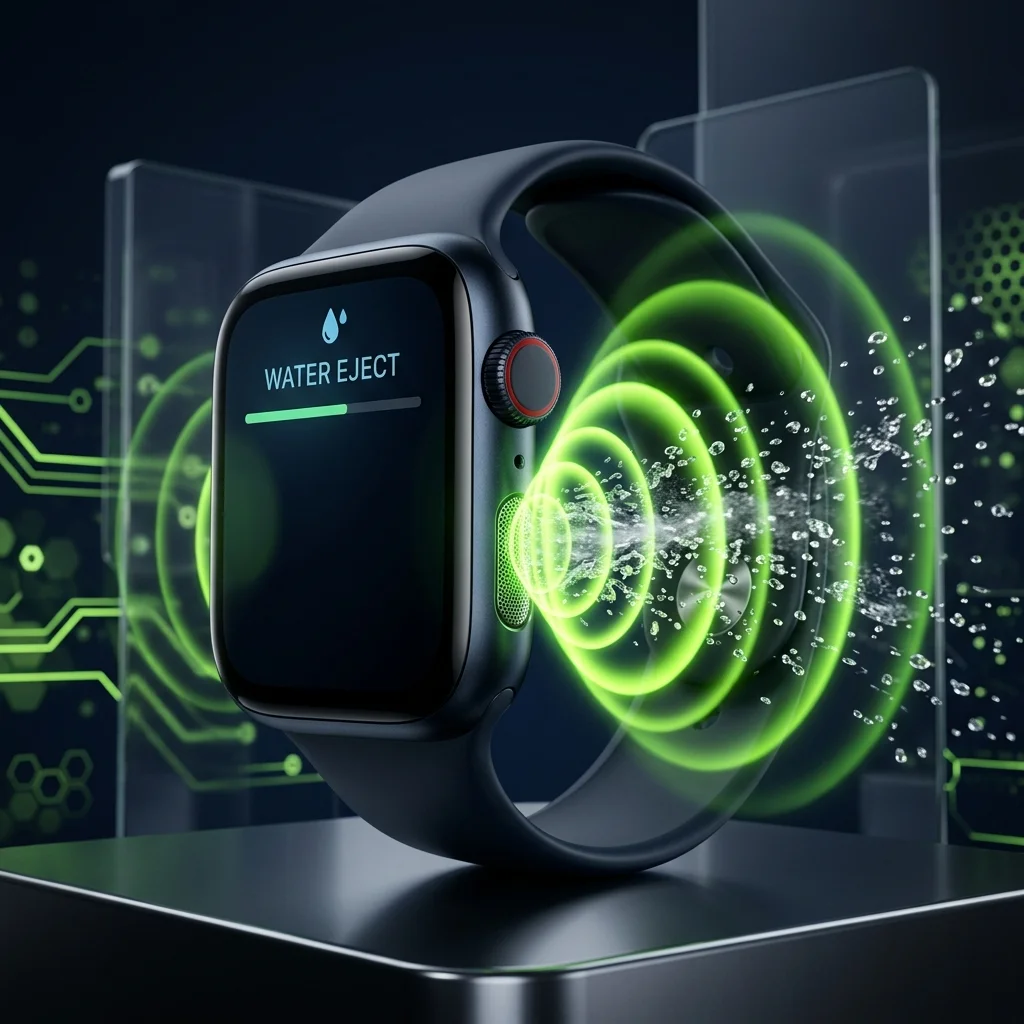
Apple Watch has water ejection built in. Swipe up to Control Centre, tap the water-drop Water Lock icon, then turn the Digital Crown when you are done — the watch plays a tone that pushes water out of its own speaker. You do not need an external tool for the watch itself.
Where the Apple Watch speaker actually is
The Apple Watch speaker sits in the slot on the left-hand side of the case, opposite the Digital Crown. Water Lock disables the touchscreen to prevent accidental input while wet, then drives that speaker with a low tone to clear the cavity when you unlock it — the same principle behind acoustic water ejection on a phone.
What's different about Apple Watch
The built-in feature is the right tool for the watch
Water Lock drives the watch's own speaker directly at the frequency and amplitude Apple tuned for that specific enclosure. Nothing a browser can do will beat it for the watch itself — use it, and use this tool for your phone instead.
Where this tool genuinely helps
If you were swimming, your watch is rarely the only wet device. A phone in a pocket or a Bluetooth speaker by the pool has no built-in ejection feature. That is what the browser-based cleaner is for, and the resonance measurement will tell you which frequency your phone responds to best.
Turn the crown, do not just wait
Water Lock does not clear the speaker automatically when you leave the water. It ejects only when you actively rotate the Digital Crown to unlock. Leaving it locked leaves the water in place.
Rinse after seawater or chlorine
Apple recommends rinsing the watch with clean fresh water after exposure to salt water, chlorinated water, soap or sunscreen. Salt crystals left in the speaker slot after the water evaporates cause more long-term muffling than the water did.
Apple Watch speaker questions
How do I eject water from my Apple Watch?
Press the side button to open Control Centre and tap the Water Lock button. When you are out of the water, press and hold the Digital Crown until the display says Unlocked. A series of tones plays to clear water from the speaker.
Do I rotate or press the Digital Crown to eject water?
Press and hold it. Rotating is the older method and applies only to watchOS 8 and earlier. Most guides still say rotate, which is why people press briefly, see nothing happen, and assume the feature is broken. A brief press does nothing, which is why people conclude the feature is broken. Hold it until the display reads Unlocked and the tones play through to the end.
What does the Water Lock tone actually do?
It drives the watch speaker at a low frequency, which moves the diaphragm far enough to push water out of the speaker slot. Apple describes it as a series of tones that clears remaining water, and the droplet on screen disappears once the cycle finishes.
My Apple Watch speaker is still muffled after Water Lock. What now?
Run Water Lock a second time, then rinse the watch with clean fresh water and dry it with a lint-free cloth. Muffling that persists after drying is usually mineral or salt residue left in the speaker slot rather than water.
Can I use a browser water eject tool on my Apple Watch?
No, and you do not need to. The watch cannot browse the web, and Water Lock drives the watch speaker directly. Use the built-in feature for the watch and this page's tone for the phone that was probably wet at the same time.
Sources
Last verified July 2026.